Fake TronLink Wallet: How to Spot a Counterfeit App and a Phishing Site
A fake TronLink wallet looks like the real thing but sends your seed phrase to scammers. Where the clones come from, the signs that give them away, how to install the wallet safely, and what to do if you already typed your phrase in.
Short answer: a fake TronLink wallet is a copy of the wallet — a mobile app, a browser extension, or a website — that looks like the original but hands your seed phrase or private key to scammers. Funds leave that address through an ordinary TRON transfer, and nobody can reverse it. What protects you is not antivirus software but a habit: install the wallet only through the link on the official website, never enter your seed phrase to "sync" anything, and check exactly what you are signing.
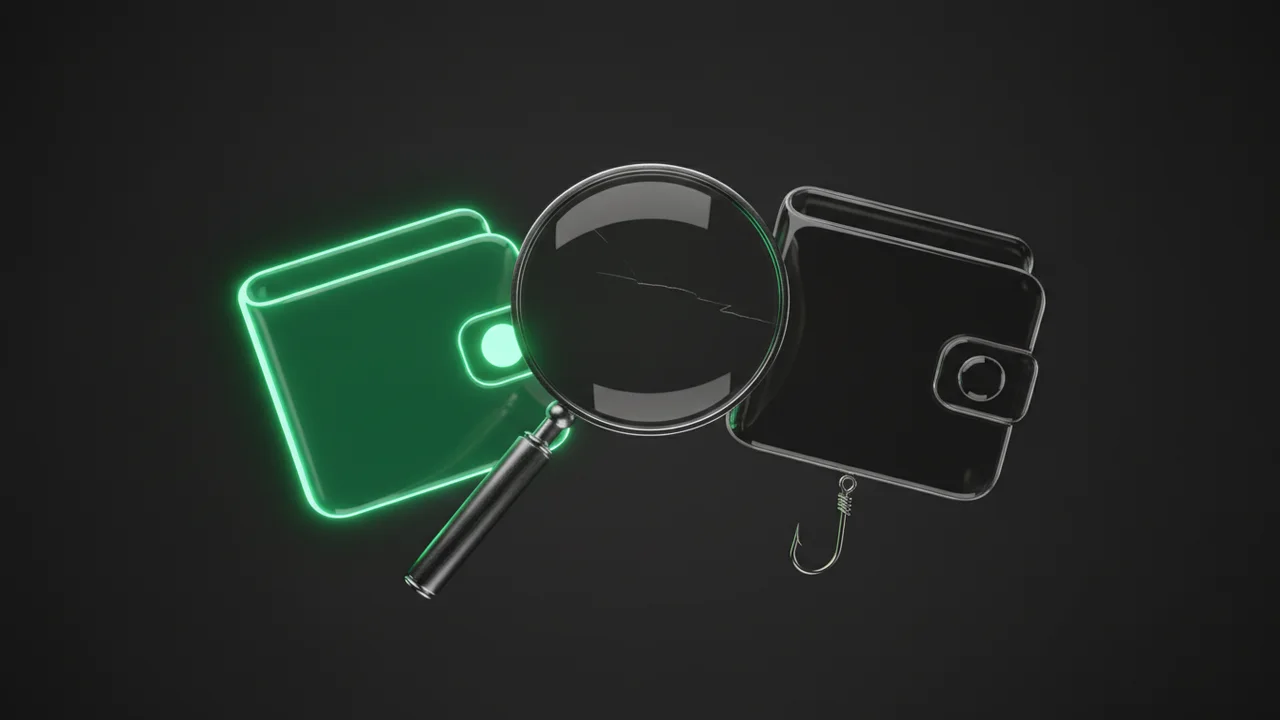
Where fake TronLink wallets come from
Scammers don't need to hack the blockchain. All they need is for you to type your seed phrase into their form. So they clone the interface of a popular wallet down to the pixel and place the copy wherever people search for how to install TronLink or send USDT TRC-20. The most common channels:
- Search ads. The ad sits above the official site, and the address differs by one letter, an extra word, or a different top-level domain.
- Clones in app and extension stores. The fake uses a similar name and icon and sometimes collects inflated ratings until moderators take it down.
- Links in Telegram groups and DMs: "new TronLink version", "wallet with free energy", "app to claim an airdrop".
- APK files and archives with a "cracked" or "enhanced" build offered outside the official store.
- "Support agents" in a messenger who message you first after you asked a question in a public chat and send a link to "recover" or "verify" your wallet.
How to spot a fake TronLink wallet: 8 signs
No single sign proves a fake on its own, but if even one of the first four applies, delete the wallet and don't enter any data into it.
- The wallet asks for your seed phrase even though you are not restoring it — only "updating", "syncing", or "confirming".
- You reached the download page from an ad, a chat, or an email rather than from the official site tronlink.org.
- In the app store, the developer name or website link doesn't match what the official TronLink site lists.
- The app installs from an APK file or a configuration profile instead of a store.
- The interface looks familiar, but the text has typos, odd translations, or buttons the original doesn't have ("claim bonus", "unfreeze USDT").
- Right after you create the wallet, it already shows a balance or a "gift" that you need to "activate" with a transfer.
- The browser extension asks for more permissions than a wallet needs, or several copies with similar names are installed.
- You are being rushed: "offer expires in 10 minutes", "your wallet will be locked unless you confirm your phrase".
A real wallet asks for your seed phrase in exactly one situation: when you yourself chose "Import" or "Restore wallet". In every other case, a request for your phrase means theft.
TronLink phishing site: check the address before you click
Phishing sites copy not only the wallet but also Tronscan, exchange pages, and energy services. The key check is the address bar, not the design: making a fake look good is easy, getting someone else's domain is not.
- Compare the whole domain, not just the start: tronlink.org and, say, tronlink-wallet.org or tronIink.org (capital I instead of l) are different sites.
- Bookmark official addresses and use only those bookmarks, not search results or ads.
- The padlock icon only means the connection is encrypted. Phishing sites have certificates too, so it says nothing about the owner's honesty.
- If a site asks you to sign a transaction you didn't start right after you connect your wallet, close the tab.
We covered how the genuine wallet works — where to find energy, bandwidth, and fee limit — in how to use the TronLink wallet. Once you know the original, a fake is easier to spot.
How to download TronLink safely
- Open the official site tronlink.org by typing the address yourself or from a saved bookmark.
- Go to the App Store, Google Play, or Chrome Web Store only through the links on that site, not through the store's own search.
- On the app page, check the developer and the website link: they should point back to the official domain.
- Create a new wallet and write the seed phrase down offline — on paper or a metal plate, no photos, no cloud.
- Before your first large transfer, send a small amount to the new address and confirm on Tronscan that the address and balance match what the wallet shows.
If you already have TronLink installed, check it the same way: find the app in the store through the link on the official site and compare it with what you have. If they don't match, move your funds to a new, properly created wallet and delete the old one.
It's not only fake wallets: phishing dApps and signatures
Even the genuine TronLink won't protect you if you sign a malicious transaction on a fake site. Scammers no longer need your seed phrase: it's enough that you approve a USDT spending allowance or change your account permissions. On screen it looks like a routine "connect wallet" or "claim reward", but the result is that someone else's address gets the right to move your tokens or control the whole account.
Before confirming, read the signing window: which contract is being called, which function (approve, transfer, AccountPermissionUpdate), and what amount. An unlimited approve or a permissions change is a reason to stop and investigate.
To find and revoke permissions you have already granted, see how to revoke a TRC-20 approval and how to check a TRC20 wallet for multisig.
You entered your seed phrase into a fake TronLink: what to do now
Treat the wallet as compromised, even if the money is still there. Scammers often wait for a top-up or set up multisig to take everything at once. Act in this order:
- Create a new wallet in the official app with a new seed phrase. Restoring the old phrase on a new device is pointless — the scammers already have it.
- Open the old address on Tronscan and check its permissions. If an unfamiliar address appears there, you most likely can no longer control the account.
- Move USDT and other tokens to the new address first, then TRX. Don't send TRX "for fees" to the old address — it may be swept immediately.
- Revoke approvals if you still have access, and never top up the old address again.
- If funds are already gone, save the transaction hashes and the recipient address. With them you can contact the exchange the money went to and the police; Tether freezes USDT on addresses linked to crime in some cases, but that is the issuer's decision, not a guarantee.
Keep the network math in mind when moving funds. The new address doesn't hold USDT yet, so the first transfer to it needs about 131,000 energy instead of the usual 64,500–65,000. Without energy the network burns roughly 13 TRX instead of about 6.5. When minutes matter and the old address is low on TRX, renting energy is the practical option: it is delegated to the address, and nobody asks for your keys.
So the move doesn't stall on a TRX shortage, you can buy TRON energy for the exact address. If you are restoring access with a phrase that was never leaked, follow our step-by-step guide on how to restore a TRC20 wallet.
Quick checklist
- Install the wallet only via the link on tronlink.org — no APKs, no links from chats.
- Enter your seed phrase only during an import you started yourself.
- Check the whole domain and keep official sites in bookmarks.
- Before signing, check the function and the amount; an unlimited approve is a reason to stop.
- "Support" that messages you first is a scammer.
Send USDT TRC-20 regularly and don't want to keep spare TRX in your wallet? In the Telegram bot @overtronbot you can rent energy for your transfer — without sharing keys or your seed phrase.
Read also
TRON Multisig Scam: How to Check a TRC20 Wallet's Permissions and Avoid the Second Scam
How to Send USDT TRC20: Step by Step From TronLink, Trust Wallet, and Exchanges
How to Restore a TRC20 Wallet With a Seed Phrase: Step by Step, Without Losing USDT or Energy
USDT on TRON Statistics: How Much USDT Lives on TRON and Why It Became the Main Network for Transfers
USDT Hot Wallet: Architecture and Security for High-Volume TRC-20 Payouts
What Is TRON Power? How to Vote for SRs and How It Relates to Your Energy
How can I tell a real TronLink wallet from a fake one?
By where it comes from and how it behaves. The real wallet is installed through the link on the official site tronlink.org, and the developer in the app store matches the one listed there. A fake usually arrives via an ad, a chat, or an APK file and asks for your seed phrase when you haven't started an import.
Can a fake TronLink steal USDT if I never sent anything?
Yes. Typing your seed phrase or private key into it is enough: the scammers import the wallet on their side and send the transfer themselves. They don't need any confirmation from you.
What is the official TronLink website?
tronlink.org. Type the address yourself or open it from a bookmark. Sites with look-alike domains, extra words, or swapped letters have nothing to do with TronLink.
Is it safe to download TronLink from an app store?
Yes, if you reached the store through the link on the official site and checked the developer. Searching inside the store sometimes surfaces clones with a similar name and icon.
I entered my seed phrase on a website, but my funds are still there. What should I do?
Create a new wallet with a new phrase right away and move everything there — tokens first, then TRX. Check the old address's permissions on Tronscan. Don't top up the old address again.
Can I get back USDT stolen through a fake wallet?
A TRON transfer can't be reversed. Save the transaction hashes and the recipient address and contact the police, and the exchange if the money went there. Tether sometimes freezes USDT on addresses linked to crime, but recovery is not guaranteed.
Is it dangerous to connect TronLink to an unfamiliar site?
Connecting only shows the site your address; it doesn't give access to your money. The danger is signing: an approve that lets someone spend your tokens, or a permissions change. Read which function and amount you are signing before you confirm.
Does an energy rental service need my seed phrase?
No. Energy is delegated to your address, and only the recipient address is needed for that. A service that asks for your seed phrase or private key is a scam.