Automatic TRON Energy: How Smart Mode Refills Energy After Every Transfer
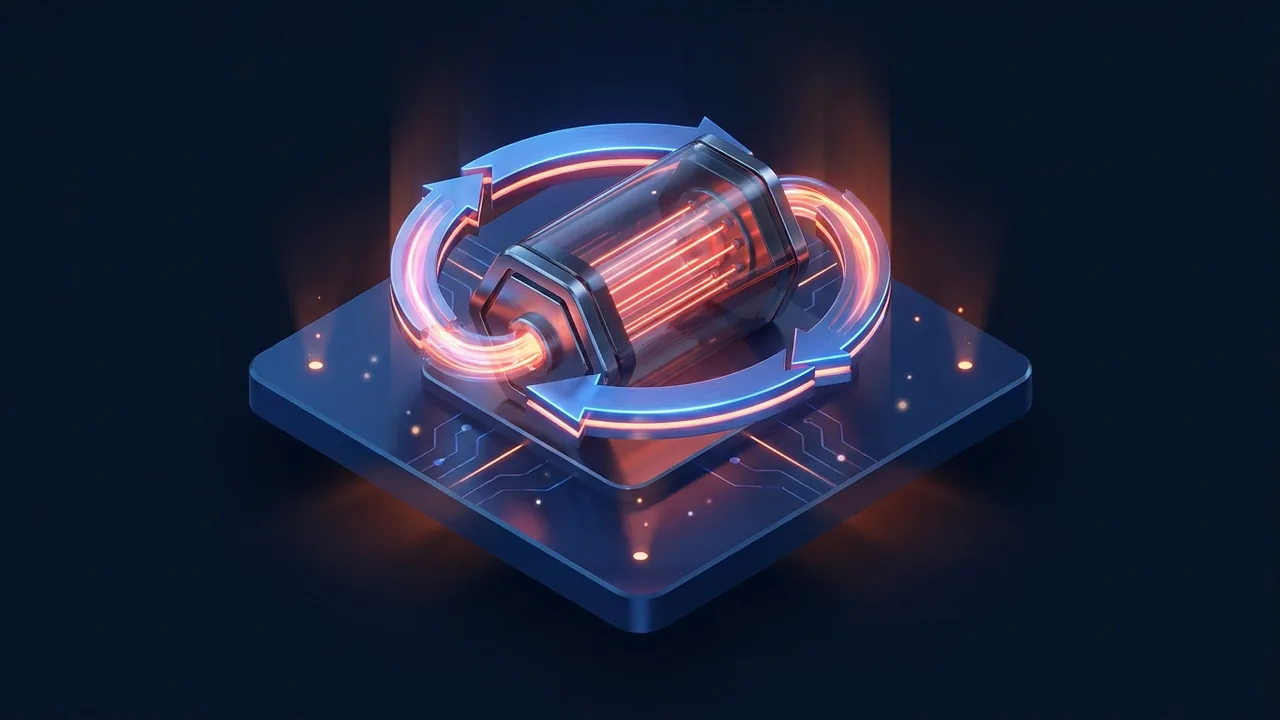
Automatic TRON energy keeps your address ready for the next USDT transfer. Smart mode refills energy after each send and bills only for the transfers you make.
In short: automatic TRON energy means your sending address always has energy for the next USDT transfer, without ordering it each time. On Overtron this is called smart mode. It keeps energy on your address, and after you spend it on a transfer, it refills the address so it is ready again. You are billed per transfer you actually make, not for hours the energy sits unused. It suits anyone who sends USDT several times a day and is tired of either reordering energy or forgetting and burning about 6.43 TRX per transfer.
What automatic TRON energy is
Every USDT TRC-20 transfer consumes energy: about 64,285 units if the recipient already holds USDT and about 130,285 if the recipient has never held it. If the sending address has no energy, the network burns TRX at 100 sun per unit, which is about 6.43 TRX or 13.03 TRX per transfer. If energy is new to you, our guide to what TRON energy is covers the basics.
The usual way to avoid that burn is to rent energy for a short window before each transfer. It works, and it is cheap, but it is a manual step. Automatic energy removes the step. Instead of you placing an order before each send, the service watches the address, sees when energy has been spent, and puts it back. From your side, the address simply always has energy.
Why manual energy orders fall short
Ordering energy by hand is fine if you send USDT once a day or less. Once you send more often, three problems show up.
- You forget. One missed order means that transfer burns TRX at full price, and you often notice only afterwards.
- Windows expire. You rent energy for 15 minutes, get distracted, and send after the window closes. The energy is gone and the transfer burns TRX anyway.
- Timing is unpredictable. Customer payouts, P2P deals and exchange top-ups happen when they happen, not on a schedule you can plan rentals around.
Each of these turns a 2.26 TRX transfer back into a 6.43 TRX one. Over a busy week, a handful of misses can wipe out a good part of the saving. If you mostly send in planned batches, picking the right energy rental term may be enough. If your sending is spread across the day, automation is the fix.
How smart mode works
Smart mode is built around one idea: energy should be on the address before you need it, and it should come back after you use it.
- You turn on smart mode for your sending address in the Overtron bot.
- Energy is delegated to that address, so it is ready for a transfer.
- You send USDT from your usual wallet whenever you need to.
- The USDT contract consumes the energy on the address instead of burning your TRX.
- Smart mode sees that the energy was spent and refills the address.
- You are billed for that transfer from your Overtron balance.
Delegation works the same way as a normal rental. The energy is delegated on-chain to your public address, the service never sees your private key, and it cannot move your funds. If you want to understand why that is safe, read how to rent TRON energy without private keys.
Smart mode bills for the transfers you make, not for the time energy waits on your address.
Manual rental vs smart mode vs staking
Here is how the ways to cover energy compare for someone who sends USDT several times a day. Each line reads: method — what you do — what you pay.
- Burning TRX — nothing — about 6.43 TRX per transfer to an address with USDT, about 13.03 TRX to an address without
- Manual rental — place an order before each transfer or batch — 2.26 TRX for 65,000 energy for 15 minutes (rate as of Oct 14, 2026)
- Smart mode — turn it on once — billed per transfer you actually make, with energy refilled after each one
- Staking TRX (Stake 2.0) — lock a large amount of TRX — no per-transfer fee, but capital is tied up and unstaking takes 14 days
Staking is the closest thing to a "set and forget" setup on the network itself, but it requires a lot of capital. Smart mode gives you the same always-ready address without locking TRX. The trade-offs are compared in detail in TRX energy: staking vs renting.
What you pay for in smart mode
Smart mode is not a flat subscription. You are billed per transfer you make from the address. On a quiet day with two transfers you pay for two; on a busy day with forty you pay for forty. The current smart mode rate is shown in the bot before you turn it on, and status level discounts apply the same way as for regular orders.
Because the price is tied to transfers, smart mode is predictable for budgeting: your energy cost is your number of transfers times the per-transfer rate. There is no separate line for idle hours.
The cost of forgetting: 1, 10 and 100 transfers
The main reason to automate is not a lower price per unit; it is avoiding the full-price transfers that slip through. Here is the math with the Overtron manual rental rate as of Oct 14, 2026 and the burn rate for transfers to addresses that hold USDT.
- 1 transfer: 6.43 TRX burned vs 2.26 TRX with energy, a difference of about 4.17 TRX
- 10 transfers with energy every time: 22.6 TRX. Forget once: 9 × 2.26 + 6.43 = about 26.8 TRX. Burn every time: 64.3 TRX
- 100 transfers with energy every time: 226 TRX. Forget one in ten: 90 × 2.26 + 10 × 6.43 = about 267.7 TRX. Burn every time: 643 TRX
A one-in-ten miss rate costs about 41.7 TRX per 100 transfers on top of a fully covered setup. Smart mode removes that miss rate because the address is refilled after each transfer without you doing anything.
A day with smart mode: an example
Picture a small online shop that pays out refunds and supplier invoices in USDT from one address. On Monday morning it sends two refunds, at lunch a supplier invoice, in the evening three more refunds. None of these are planned in advance.
Without automation, the person sending has two options. Either they rent energy before each of the six transfers, which means six separate orders, or they skip it and burn about 6.43 TRX each time, roughly 38.6 TRX for the day. With smart mode on, the address already holds energy when the first refund goes out. After it is spent, the address is refilled, and the next transfer finds energy waiting. Six transfers, six charges, no orders placed, and no transfer falls back to burning TRX for energy.
The same pattern holds for a P2P trader who closes deals at random hours or a team that pays contractors whenever invoices arrive. The value is not in any single transfer; it is in never thinking about energy again.
When to switch from one-off rentals to smart mode
A simple rule of thumb: count how many times last week you either placed an energy order or noticed burned TRX after a transfer. If the answer is one or two, keep using one-off TRON energy rentals; they are quick and you pay only when you send. If the answer is a dozen or more, or if you caught yourself burning TRX because you forgot, smart mode will save both money and attention. You can switch back at any time, since nothing is locked.
Who smart mode is for
- Merchants and services that pay out to customers at random times
- P2P traders who settle deals throughout the day; see P2P USDT arbitrage and TRON network fees
- Teams that run payouts from a single treasury address
- Anyone who has burned TRX by forgetting to rent energy at least once
If you send USDT a few times a month, smart mode is more than you need. A single manual rental before each transfer is simpler. For high-volume operations with API integration, see TRON energy for businesses and USDT traders.
How to turn on automatic energy with Overtron
- Open @overtronbot in Telegram.
- Top up your balance. It is held in TRX, and you can fund it with USDT, BTC or ETH.
- If your sending address is new and has never been activated, activate it in the bot first.
- Open smart mode and add the address you send USDT from.
- Check the per-transfer rate shown in the bot and confirm.
- Send USDT as usual. After each transfer, smart mode refills the energy on the address.
If you only need energy once, rent TRON energy for a single transfer instead. Businesses that want to manage addresses from their own system can use the Overtron business API.
Things to keep in mind
- Smart mode covers the address you add, not every wallet you own. Send from that address.
- Transfers to addresses that have never held USDT need about 130,285 energy, roughly twice the usual amount; the reason is explained in why a transfer to an empty wallet needs double energy.
- Bandwidth is separate. Every activated address gets 600 free bandwidth per day, about one transfer; beyond that, each transfer burns about 0.35 TRX. Keep a little TRX on the address. More on this in bandwidth vs energy on TRON.
- Keep your Overtron balance funded so transfers can be billed and the address refilled.
If you ever see TRX deducted while smart mode is on, check which address sent the transfer and whether the recipient was new. The full checklist is in TRX burned even though I had energy. For other ways to lower costs, see how to reduce USDT TRC-20 fees.
Read also
Transfer USDT Between Your Own Wallets: How to Move It for Less
How to Send USDT Without TRX in Your Wallet: GasFree, Energy Rental, and Burning — Every Route

How to Reduce USDT TRC-20 Fees: 7 Ways That Actually Work

What Is TRON Energy? A Complete Guide to TRX Energy for USDT Transfers
How Much Did You Spend on TRON Fees? A Monthly Audit with energy_usage_total
TRC20 Transaction History: How to Export to CSV for Bookkeeping with Tronscan and the API
What is automatic TRON energy?
It is a setup where energy is kept on your sending address and refilled after each transfer, so you never send with an empty address. On Overtron this is smart mode.
How is smart mode billed?
Per transfer you actually make from the address. You are not charged for time the energy waits unused, and the current rate is shown in the bot before you turn it on.
Do I need to give my private key for smart mode?
No. Energy is delegated on-chain to your public address. The service never needs your private key or seed phrase and cannot move your funds.
Is smart mode better than renting energy manually?
If you send several times a day or at unpredictable times, yes, because it removes forgotten orders and expired windows. If you send a few times a month, a manual rental before each transfer is simpler.
Does smart mode cover bandwidth too?
Bandwidth is a separate resource. Each activated address gets 600 free bandwidth per day, about one transfer, and beyond that each transfer burns about 0.35 TRX, so keep a little TRX on the address.
Can I use smart mode for transfers to new wallets?
Yes, but transfers to addresses that have never held USDT need about 130,285 energy instead of about 64,285. Plan for the higher amount when paying new recipients.