How to Send USDT Without TRX in Your Wallet: GasFree, Energy Rental, and Burning — Every Route
You hold USDT but zero TRX, and the transfer won't go through? We break down three working routes: GasFree with fees paid in USDT, energy rental paid without TRX, and classic burning — with network figures verified in July 2026 and an honest look at when each route fits.
You can send USDT TRC-20 with zero TRX in your wallet via three routes. First, GasFree: a TRON-ecosystem protocol where you sign the transfer off-chain and a service provider executes it on-chain, charging the fee directly in USDT. Second, energy rental: energy is delegated to your own address (and you can pay for it without TRX), then you send the transfer from your wallet without burning anything. Third, the classic way: buy a small amount of TRX and let the network burn it as the fee. Below is how each route works, what it costs based on verified network data, and when to pick which.
Why a USDT transfer fails without TRX
Fees on TRON work differently from Ethereum: instead of gas paid in the native coin, the network accounts for two resources — Energy and Bandwidth. A USDT transfer is a TRC-20 smart-contract call that consumes both. If your address has no resources, the node automatically covers the shortfall by burning TRX from your balance. With zero TRX there is nothing to burn — the wallet either refuses to sign the transaction or it fails on-chain. That is why "I have USDT but can't send it" is the single most common situation with fresh wallets that only ever received the stablecoin.
Figures verified on July 18, 2026 with live calls to the public TRON API. The getEnergyFee network parameter equals 100 sun per energy unit — the wallet/getchainparameters method at api.trongrid.io. A real confirmed USDT transfer that same day consumed 64,285 energy units and 345 bytes of bandwidth (transaction receipt, wallet/gettransactioninfobyid method). Burned in full, that is 64,285 × 100 sun ≈ 6.4 TRX for energy plus 0.345 TRX for bandwidth — about 6.8 TRX per transfer to an active address. A transfer to an empty (non-activated) address takes roughly twice the energy — around 13 TRX.
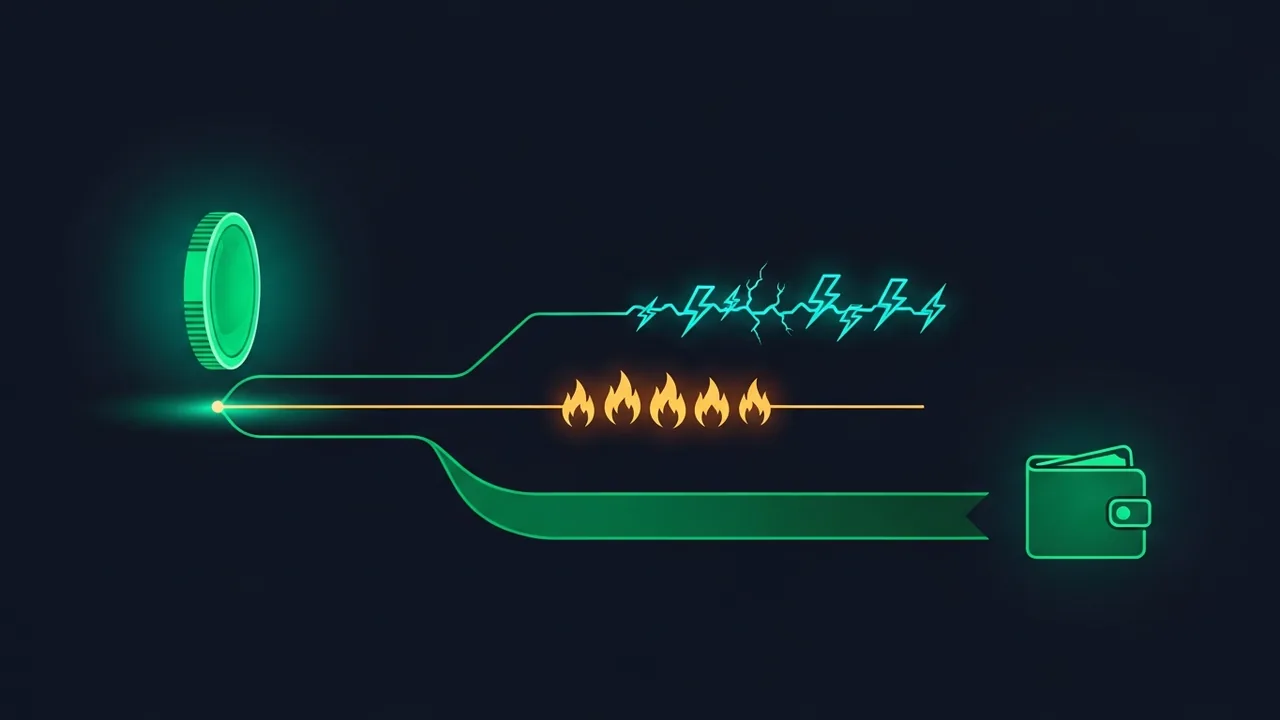
Route 1: GasFree — fee in USDT, no TRX at all
GasFree is a gasless-transfer protocol from the TRON ecosystem. The idea: instead of broadcasting a transaction yourself, you sign a typed off-chain authorization — "transfer N USDT to this address." The signed authorization goes to a service provider, which submits it on-chain under its own name and pays all the network resources itself. You are charged a small service fee in the same token you are transferring, that is, in USDT. No TRX is needed for the fee or for address activation.
Technically, each user gets a dedicated GasFree address: it is deterministically generated by the GasFreeFactory contract (via the CREATE2 instruction) and is uniquely tied to your main address. The USDT you want to send gas-free must sit on that GasFree address. Replays are prevented by a nonce mechanism, and signature validity is verified by the smart contract — the provider never gains access to your keys. The protocol currently supports USDT transfers; if an unsupported token lands on your GasFree address, you can withdraw it to a normal address on the withdrawal page.
The project's official site, gasfree.io, states that a typical GasFree transfer of the most frequently used tokens costs no more than $1.5 (site data, checked July 18, 2026); your wallet shows the exact fee before signing. The protocol's technical design is described in the GasFree specification.
- works in wallets with GasFree integration (for example, TronLink) and in the protocol's own web interface;
- the transfer is executed by a service provider — there is an intermediate step between your signature and the transaction landing on-chain;
- the fee is charged in USDT on every transfer, so it adds up for frequent senders;
- only USDT is supported for now — other TRC-20 tokens have to be sent another way;
- the USDT must be held on the dedicated GasFree address, not on your main one.
Route 2: energy rental — send from your own address
Energy rental solves the same problem from the other side: for a limited time you receive energy on your regular address — a supplier delegates it from its own stake — and the transfer leaves your wallet the standard way, as if the energy had always been yours. Nothing is burned and no private keys change hands: delegation on TRON is a standard Stake 2.0 protocol operation and grants no access to your funds.
In practice it looks like this: in the bot you specify how much energy you need — for a single USDT transfer or for a series — pick the duration, and pay for the order. The energy usually arrives on your address within a few minutes, and then you send USDT as usual. The only thing left is bandwidth: the transaction itself consumes a few hundred bytes, covered by the free daily allowance of an activated address, a small TRX balance, or rented bandwidth.
The free daily allowance — 600 bytes of bandwidth per day for an activated address (checked July 18, 2026 against the TRON docs) — covers roughly one USDT transfer a day, so in most cases you never pay extra for bandwidth. How TRON fees, energy, bandwidth, and sun fit together is covered in our guide to TRON fees: energy, bandwidth, and sun.
Route 3: buy and burn TRX
If it is a one-off transfer and topping up the wallet is easier, the classic route works: buy or withdraw a small amount of TRX from an exchange and let the network burn it. Based on the figures above, budget around 6.5–7 TRX for a transfer to an active recipient (energy plus bandwidth) and about 13 TRX in energy alone for a transfer to an empty address. Keep a small buffer: the USDT contract's energy consumption depends on the recipient's state, and exchanges differ in minimum withdrawal amounts and fees.
If the recipient is a brand-new wallet, the transfer takes roughly twice the energy — the mechanics are covered in USDT transfers to an empty wallet. And if you did top up TRX but the transaction still failed, see the breakdown of the "not enough TRX to cover network fee" error.
Which route to pick
- a one-off transfer with no desire to learn the resource model — GasFree: sign the authorization, the fee is charged in USDT;
- sending from your usual address, or several transfers in a row — energy rental: the resource arrives on your address and USDT leaves as a regular transaction;
- you will need TRX anyway for other tasks (activating addresses, interacting with contracts) — simpler to buy TRX once and burn part of it;
- recurring payouts from your own wallet — rental with auto top-up, so energy is always present on the address.
All three routes work and do not exclude one another: many users keep a little TRX for small operations and rent energy or use GasFree for larger transfers. The main rule is not to fire off USDT blindly with zero TRX and zero resources: a transaction that runs out of energy mid-execution fails, and the resources spent on the attempt are not refunded.
Need the transfer to go through right now? Rent energy in the @overtronbot Telegram bot: pick the amount for your transfer and the duration, pay in a way that suits you — no TRX required — and the energy usually lands on your address within a few minutes. Then you send USDT from your own wallet as always, without burning TRX.
Read also

Transfer USDT Between Your Own Wallets: How to Move It for Less

P2P USDT Arbitrage: How TRON Network Fees Eat Your Spread
"Not Enough TRX to Cover Network Fee": How to Send USDT from Trust Wallet and TronLink
Why Sending USDT to an Empty Wallet Burns Twice the Energy: 64,285 vs 130,285

TRON Fees Explained: Energy, Bandwidth, and SUN in Plain English

TRON's "FAILED — OUT_OF_ENERGY" Error: Why Your USDT Transfer Failed and Whether Your Money Is Safe
Do I need TRX to receive USDT?
No. The fee is always paid by the sender. You will need TRX or energy only when you want to send the USDT onward. The one nuance is a non-activated address: a transfer to it costs the sender more, but it is still free for the recipient.
Is the GasFree address the same as my regular TRON address?
No, it is a separate address deterministically derived from your main one. The USDT for GasFree transfers must sit on that address. Wallets with the integration show both addresses side by side, but be careful not to mix them up when depositing.
Can I send tokens other than USDT via GasFree?
As of publication, the protocol supports USDT transfers. Other tokens that end up on a GasFree address can be withdrawn to a normal address via the withdrawal page — from there you can send them as a classic transaction or with rented energy.
Does energy rental require access to my wallet?
No. Energy delegation is a standard TRON network operation: the supplier assigns the resource to your address from its own stake. No private key, seed phrase, or signature is needed from you — the address alone is enough.
What happens if I send USDT with zero TRX and no energy?
Most wallets will simply refuse to sign the transaction and warn you about insufficient resources. If the transaction does reach the network, execution stops with an error due to the energy shortfall and the transfer does not go through.
Will one rental cover several USDT transfers?
Yes, if you rent with a buffer: every transfer consumes energy, and the remainder can be spent until the rental period ends. For a series of transfers it is more practical to order a larger amount at once than to arrange a rental for each transfer separately.
Why can an exchange send my USDT without any TRX on my side?
Because the exchange pays the fee from its own resources and prices that into its fixed withdrawal fee. Your TRX balance is not involved. That is why the "no TRX — no transfer" problem only appears when sending from your own wallet.
Is signing a GasFree authorization safe?
The signature authorizes one specific transfer: token, amount, recipient, fee, expiry, and sequence number (nonce). The provider cannot alter the parameters or reuse the signature — validity is enforced by the smart contract. As with any signature, read carefully in your wallet what exactly you are signing.